How To Send An Orthodontic Lab Case
Sending your orthodontic lab case to DynaFlex is simple, with convenient digital and traditional submission options. Submit your case digitally through DynaFusion, or send PVS impressions or working models using the instructions below.
Submit Your Case Digitally
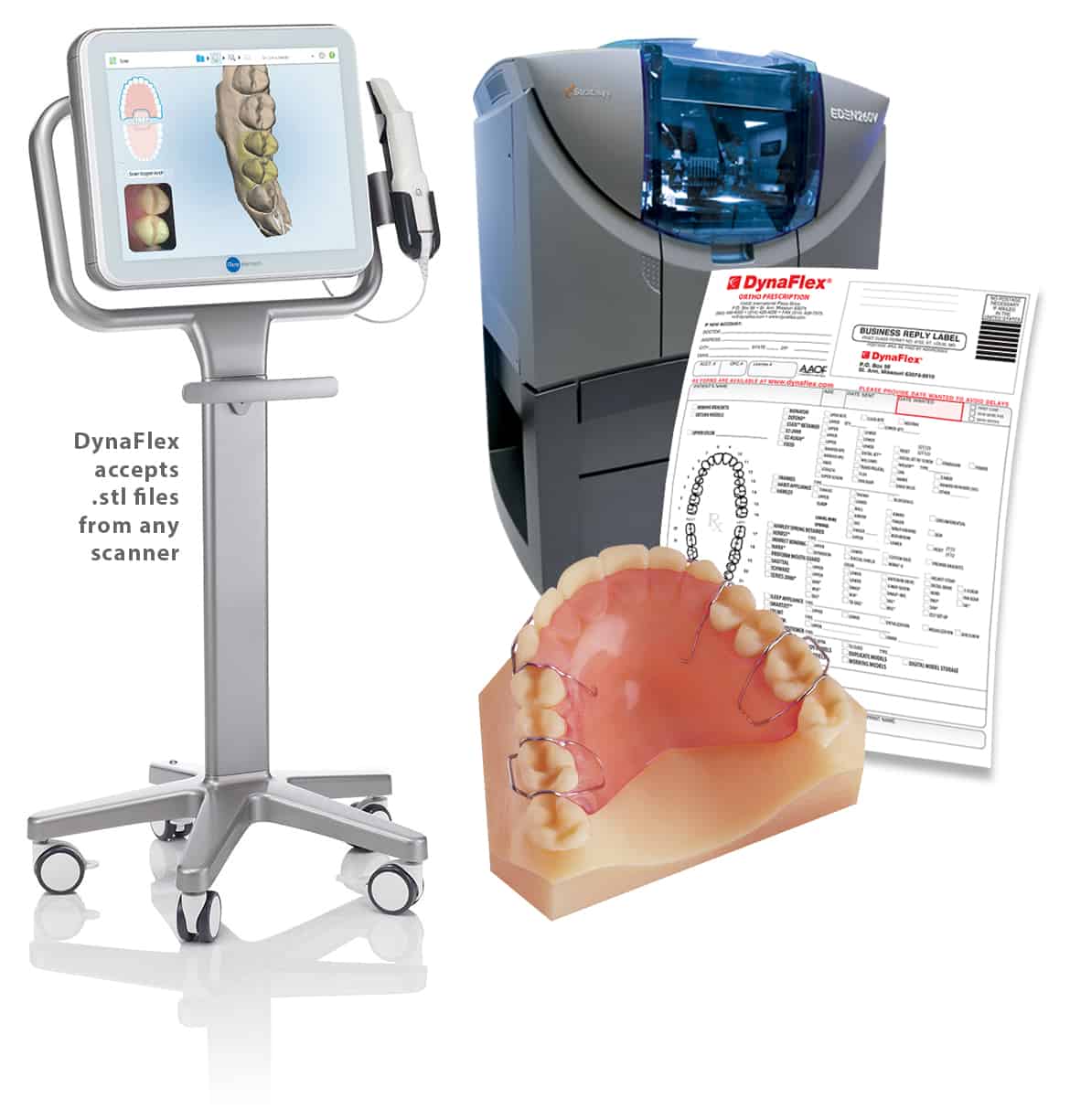
DynaFlex is a state-of-the-art 3D Digital Laboratory. We can produce a physical model by printing a 3D model from a digital file taken in your office using an intra-oral scanner. Once the physical model is printed, we then fabricate your custom appliance using the 3D printed model. DynaFlex is able to receive ANY .stl digital file from most intra-oral scanners.
Send Us Your Models
DynaFlex accepts your PVS impressions or working models. If you are mailing models, please make sure to wrap each model individually to avoid any damage. All models should be marked with both the patient and doctor’s name for proper identification. Impressions should be disinfected prior to sending. Submit Rx through DynaFusion and select “Mailed In Models” under model submission method. It is very important to fill the prescription fully and accurately.